Creating a unified design system for Animal Friends
As the Head of Product Design, I was responsible for bridging the gap between the marketing and tech teams, while also ensuring that our design processes were efficient, consistent, and scalable.
Client
Animal Friends
Year
2022
My Role
Lead Designer
Interaction Designer
Visual Designer
Design System Architect
Project Manager
Tools
Figma, Adobe CC, Trello, Miro, Axure, Jira, Teams
"Despite having a super talented team, we faced significant challenges due to the diverse range of tools being used, the isolation of design files, and the lack of a unified design system."
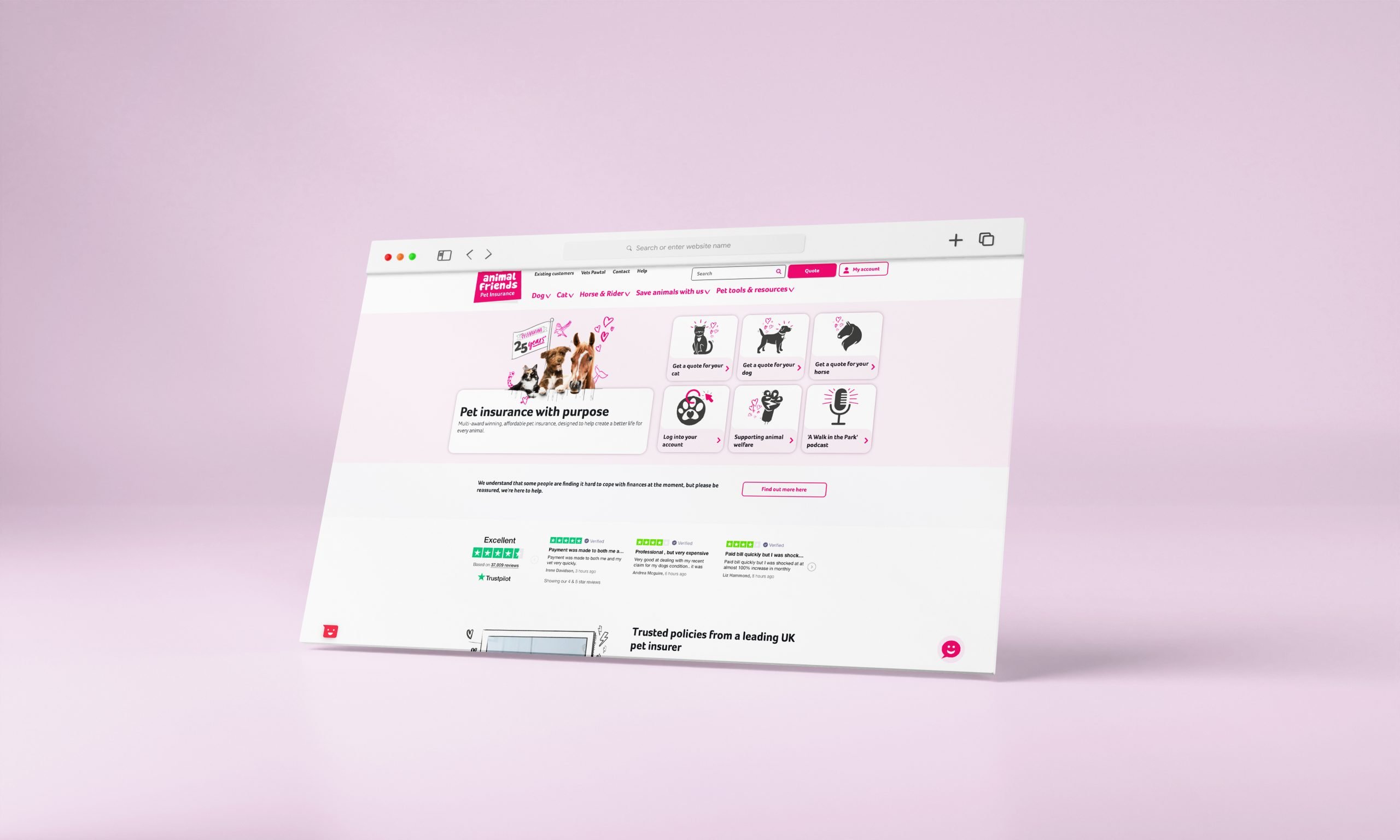
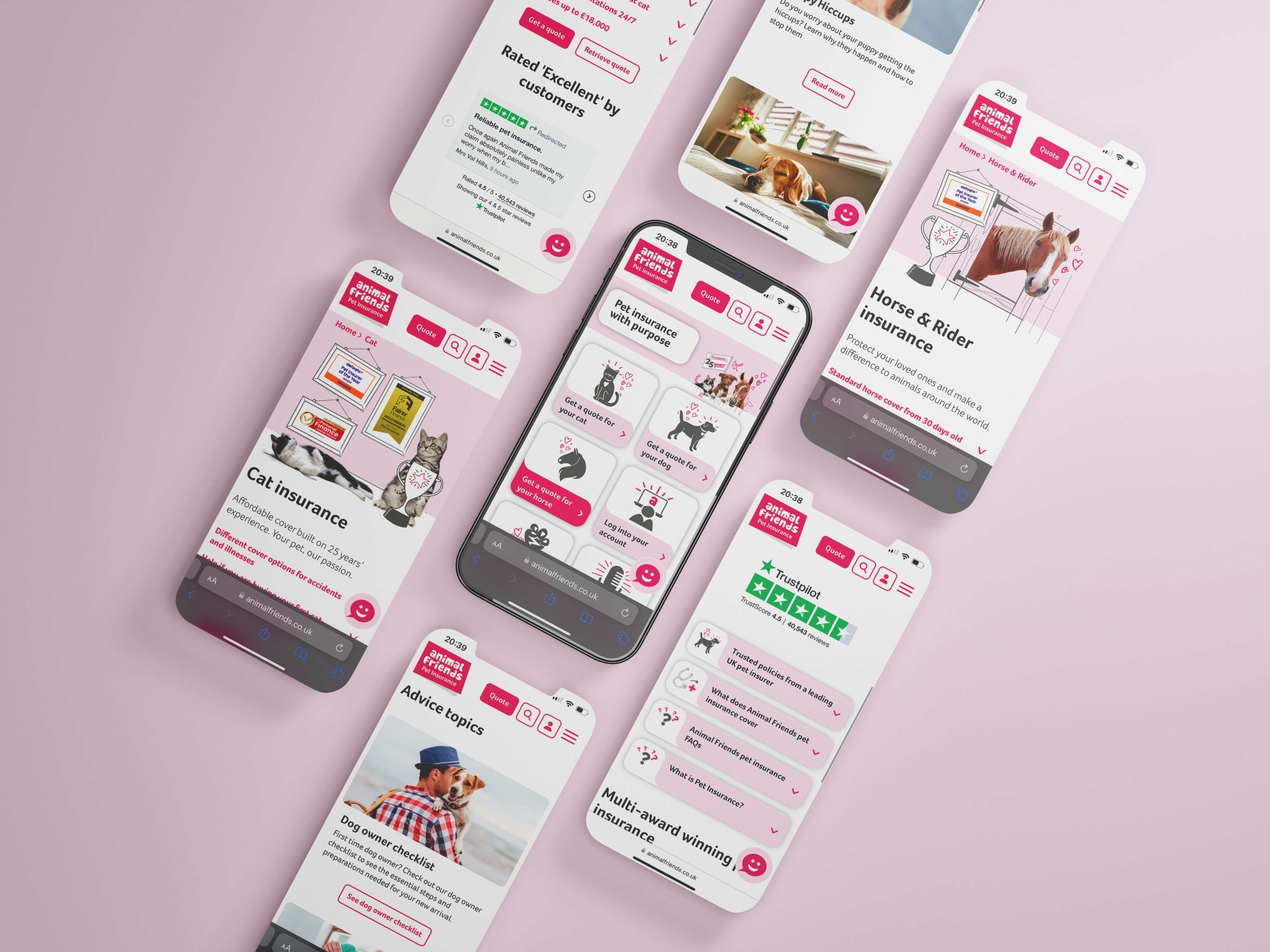
As the Head of Product Design at Animal Friends, I led a multi-disciplinary design team that included UX designers, UI designers, and illustrators. We managed four primary digital products: the main website, a quote engine for insurance policy matching, a customer hub for policy management, and a vet portal for claims and pet care documentation.
Despite having a talented team, we faced significant challenges due to the diverse range of tools being used, the isolation of design files, and the lack of a unified design system. These challenges not only affected our internal processes but also impacted our collaboration with other departments such as marketing, tech, and compliance, leading to inefficiencies and inconsistencies.
Limited Visibility:
Other departments, including marketing, tech, and compliance, had limited access to design files, leading to delays and miscommunication. Compliance, in particular, required frequent sign-offs on every customer-facing artefact to ensure they met regulatory standards. The lack of visibility increased the workload on the design team, as they had to repeatedly coordinate with compliance to confirm that designs met the required standards.
Inconsistent Designs:
Without a centralised system, different designers were unknowingly creating and using inconsistent components, grids, fonts, and layouts across our products. This resulted in a disjointed user experience, which was particularly problematic given our heavily regulated industry where compliance and consistency were crucial.
Version Control Issues:
With files stored locally and shared through various channels, version control became a significant challenge. Designers were often working on outdated versions of files, leading to errors, duplicated work, and confusion.
“To address the challenges, I led the development of a comprehensive design system tailored to the needs of Animal Friends.”
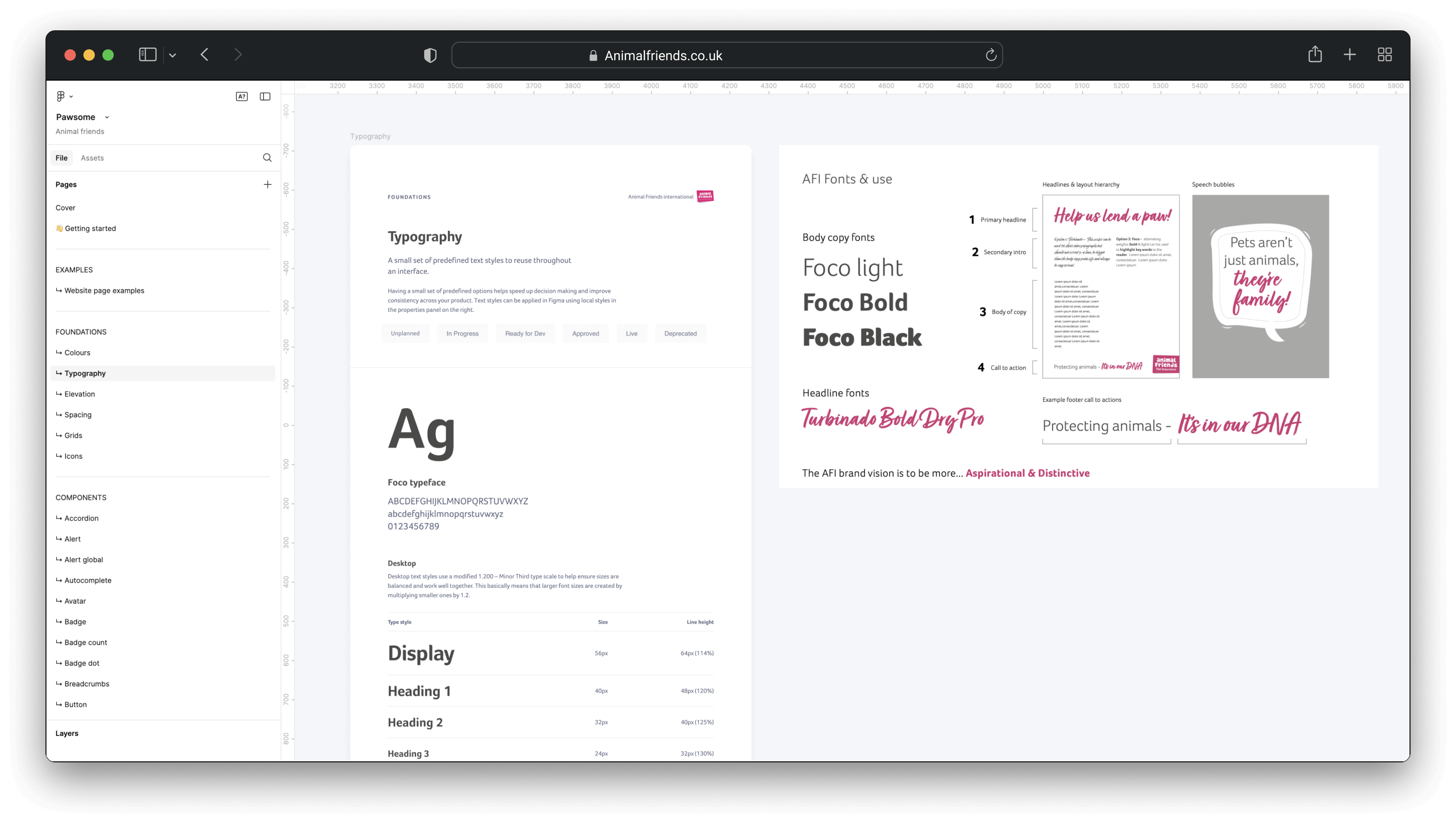
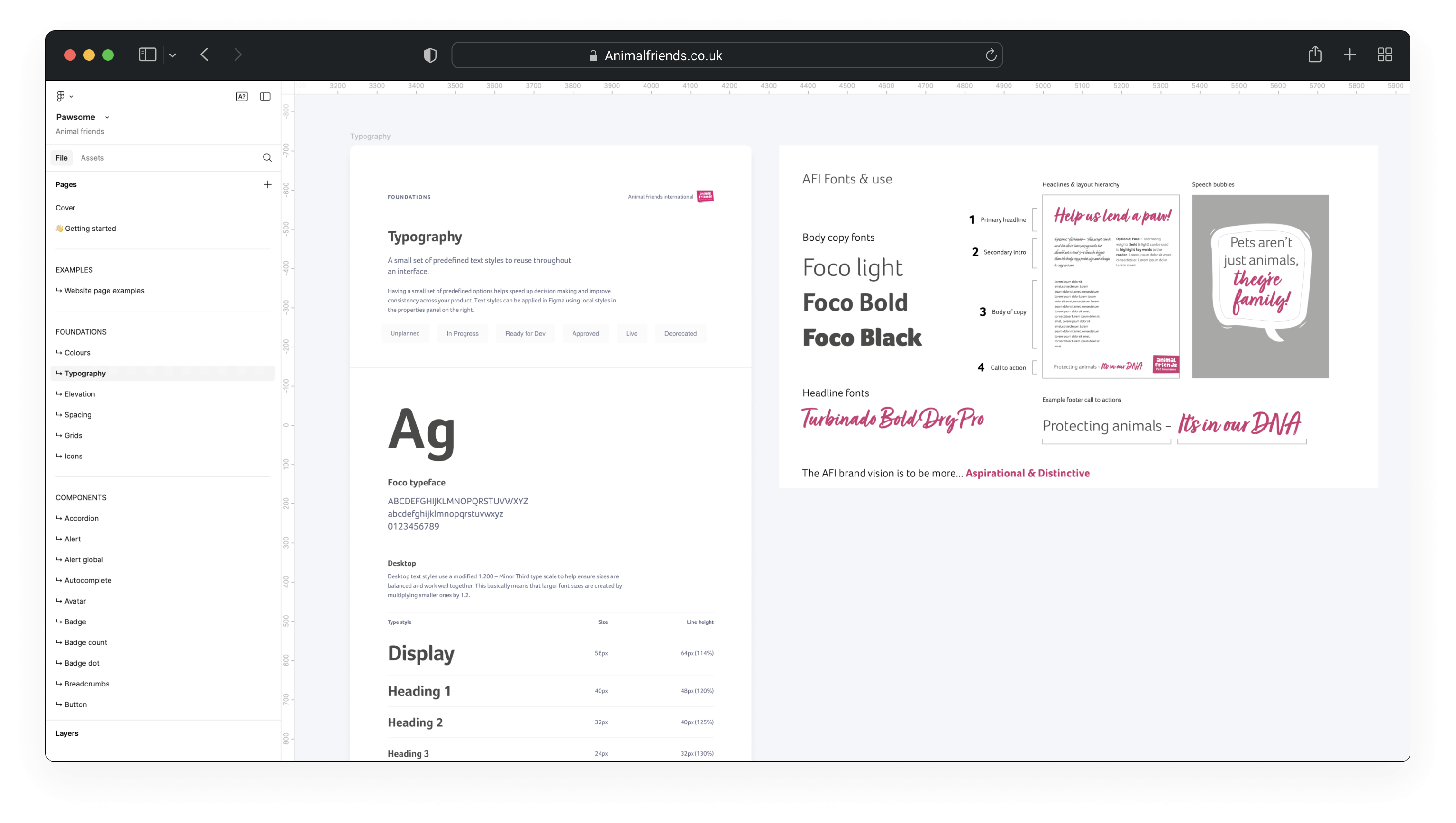
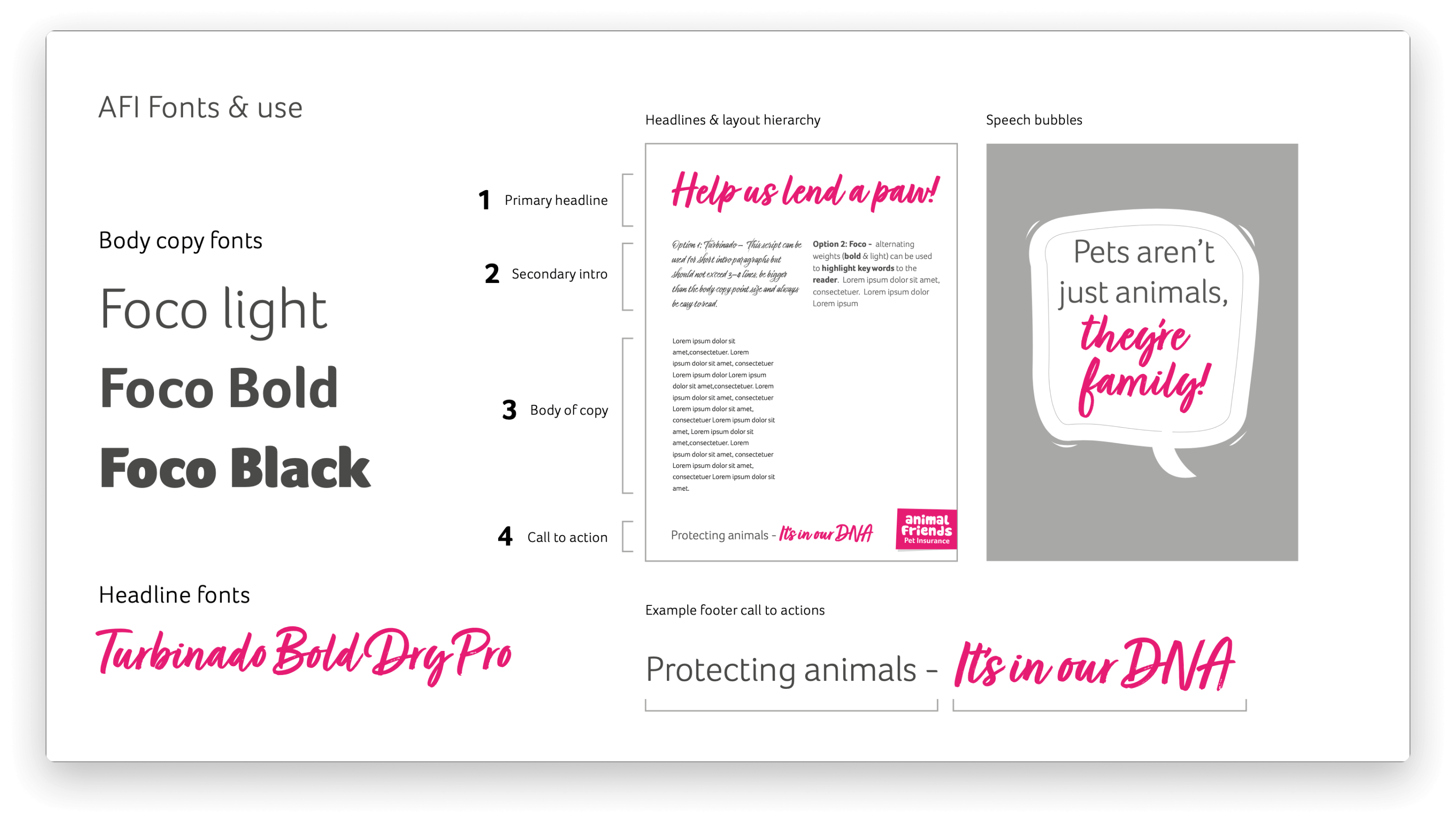
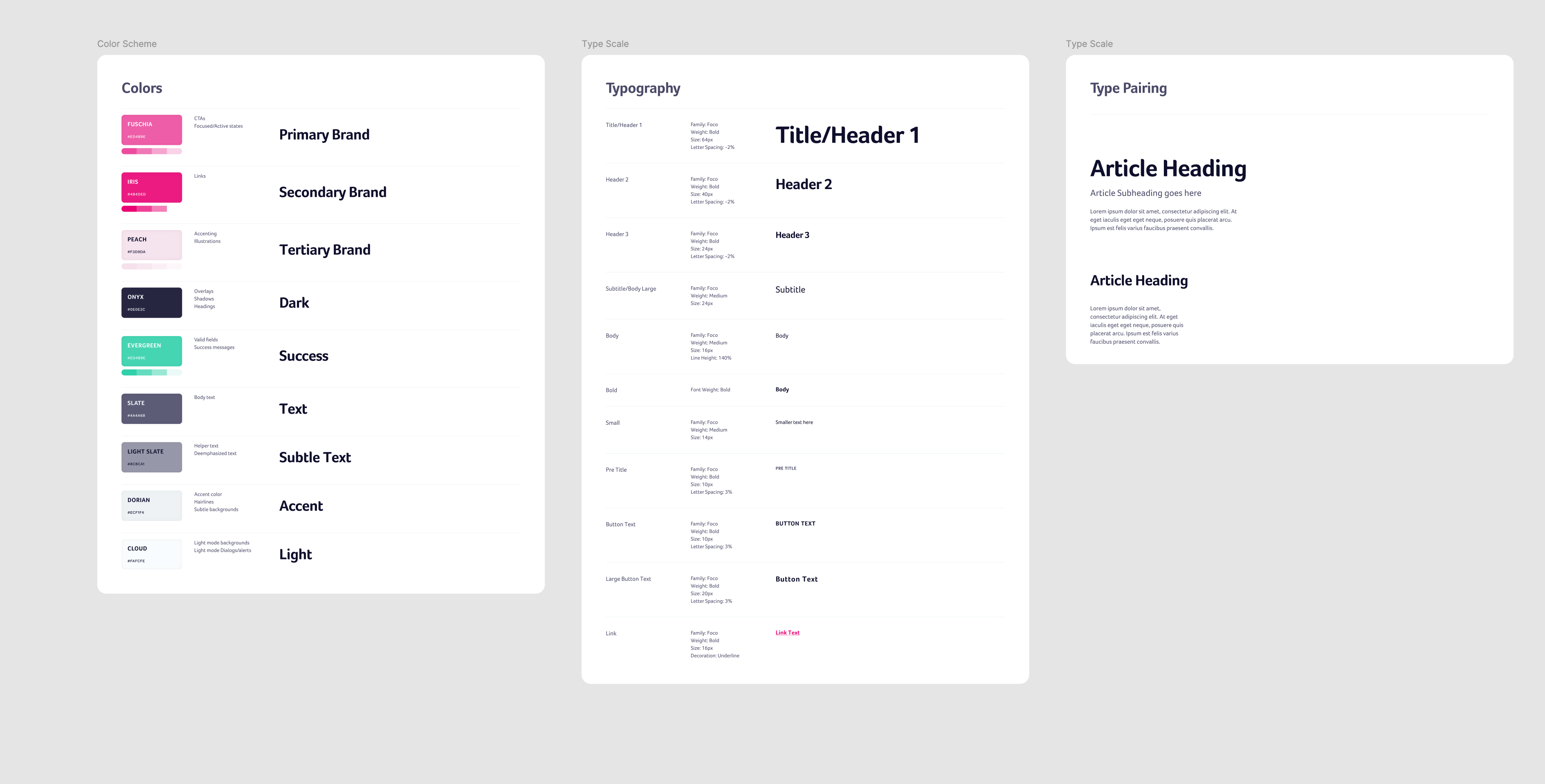
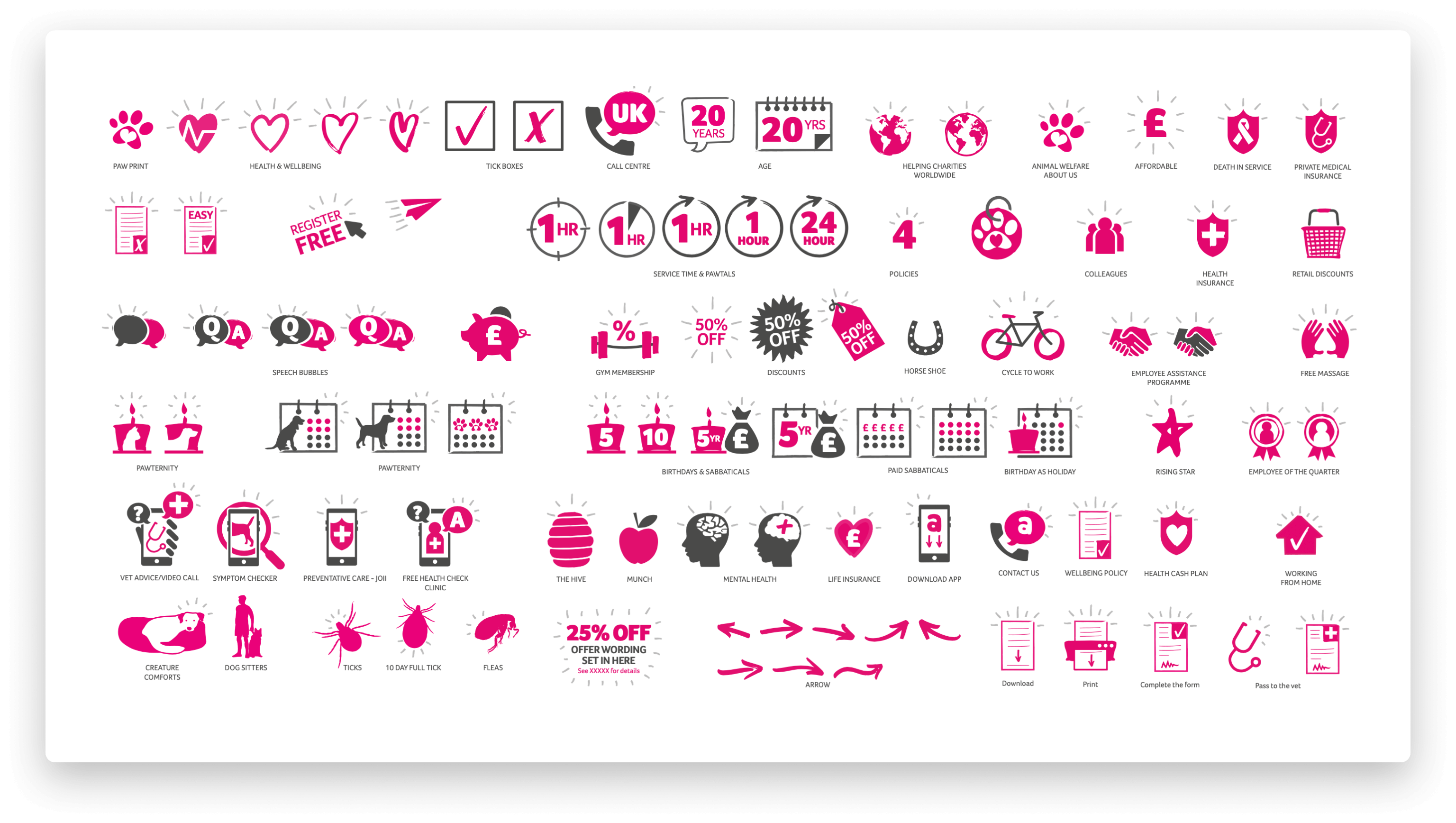
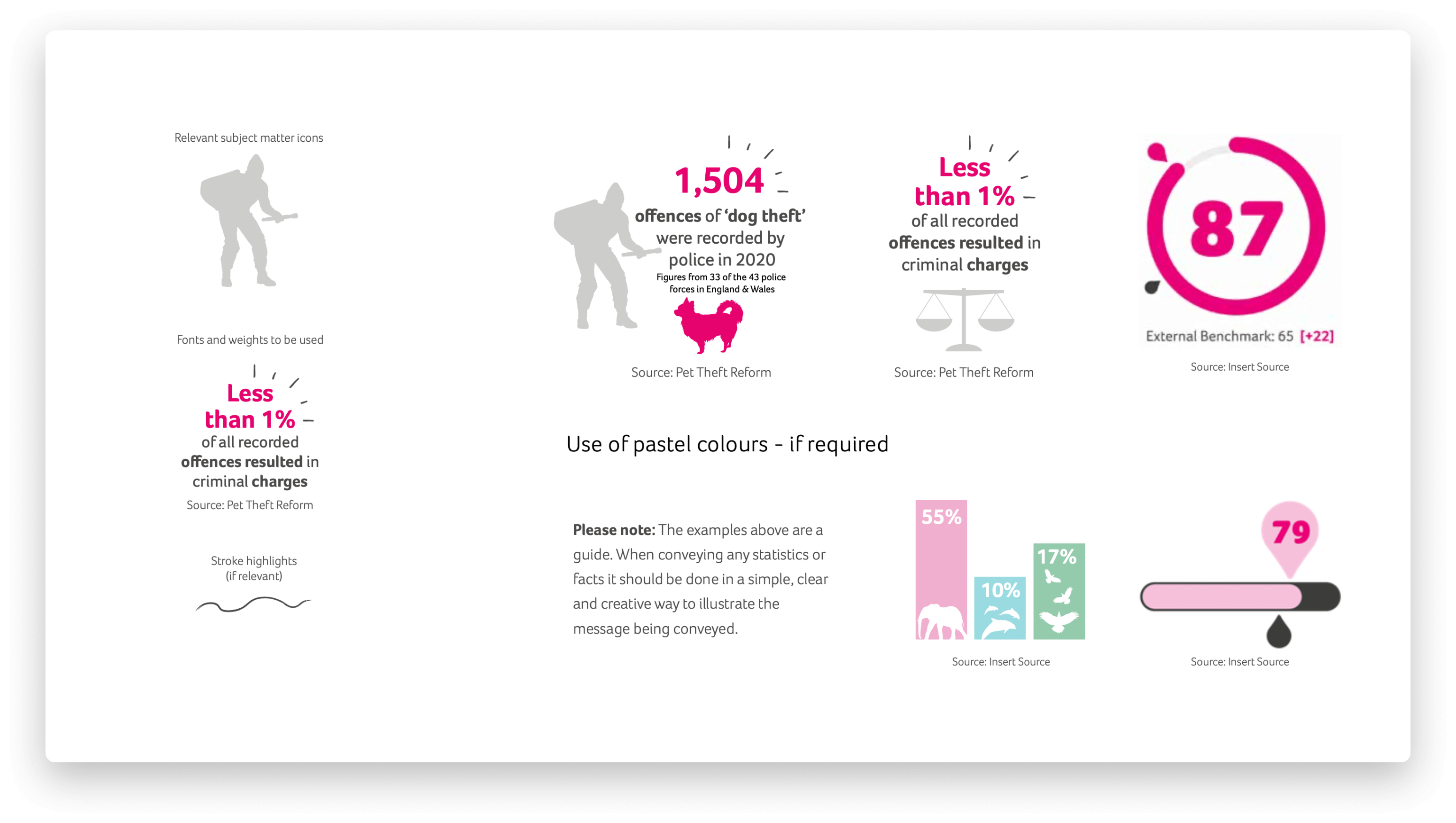
Visual Guidelines
Clear instructions on typography, colour schemes, iconography, and layout principles. This ensured that all design work, whether by the Product Design Team or other departments, adhered to the same visual standards.
Pantone® 601 C
C0 M0 Y0 K0
#FFFFFF
Pantone® 7436 C
C0 M0 Y90 K21
#F9E3EF
Pantone® 656 C
C2 M1.6 Y0 K1.9
#F5F6FA
Pantone® 226 C
C0 M100 Y50 K8
#EA0074
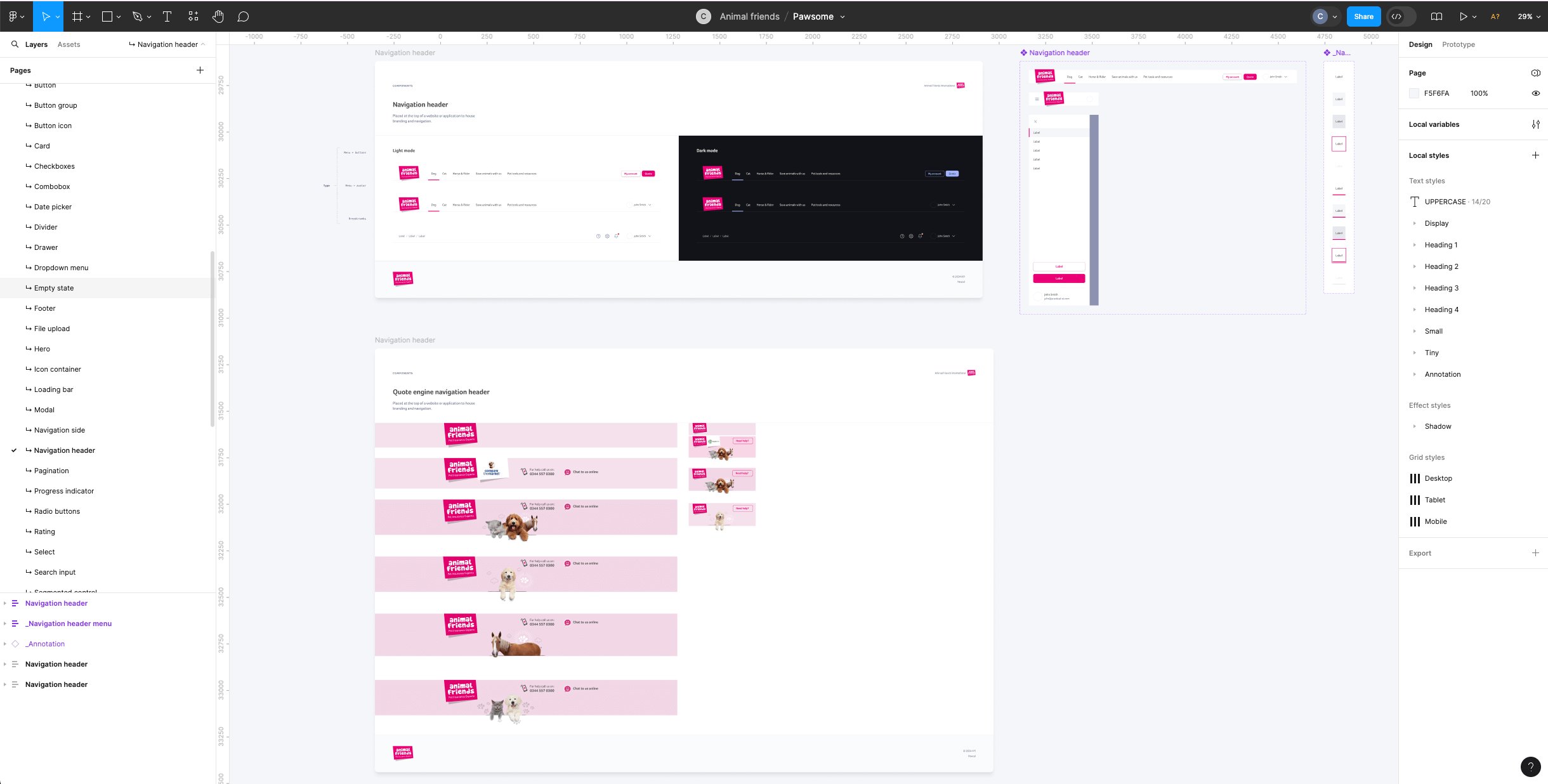
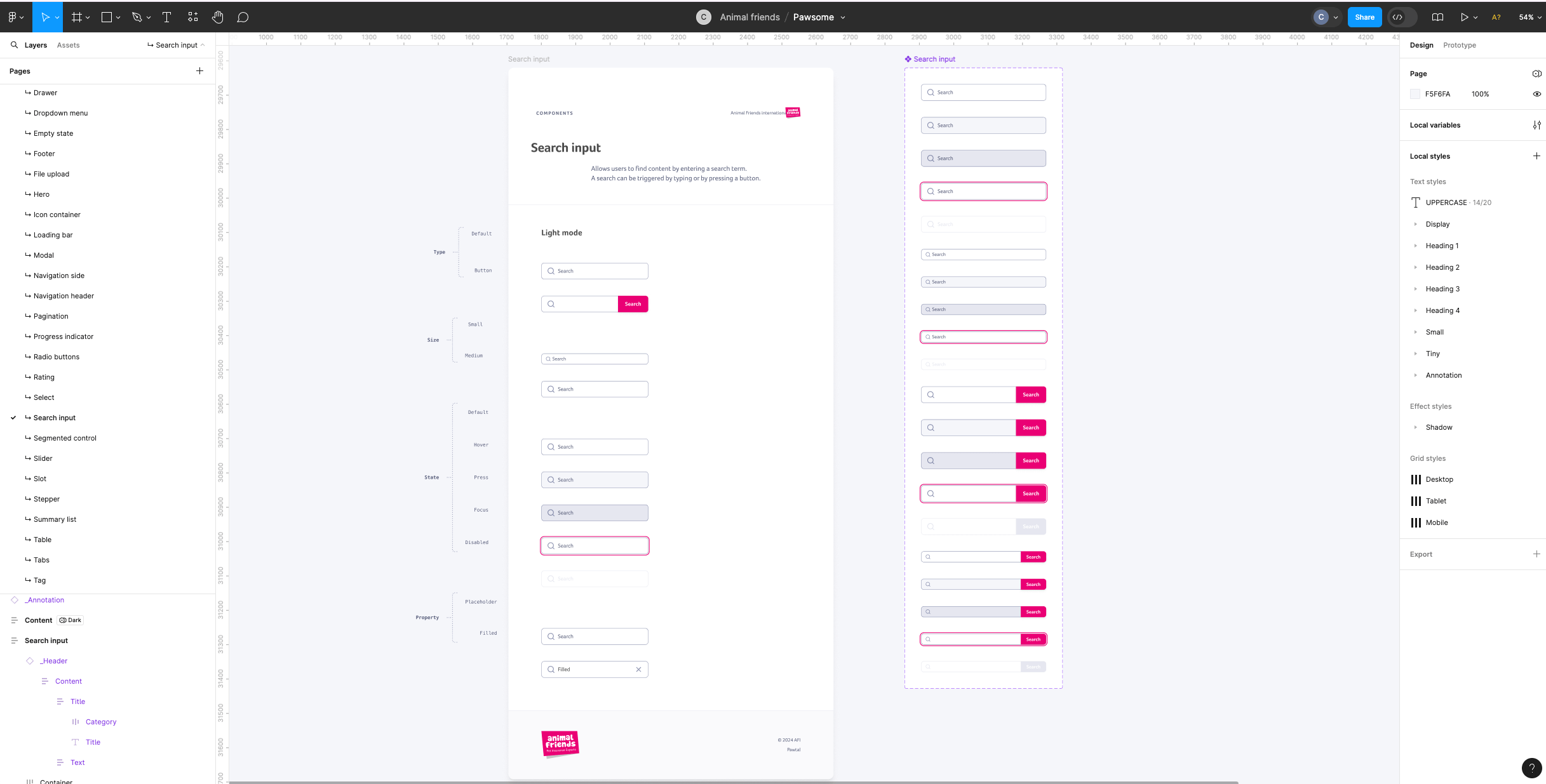
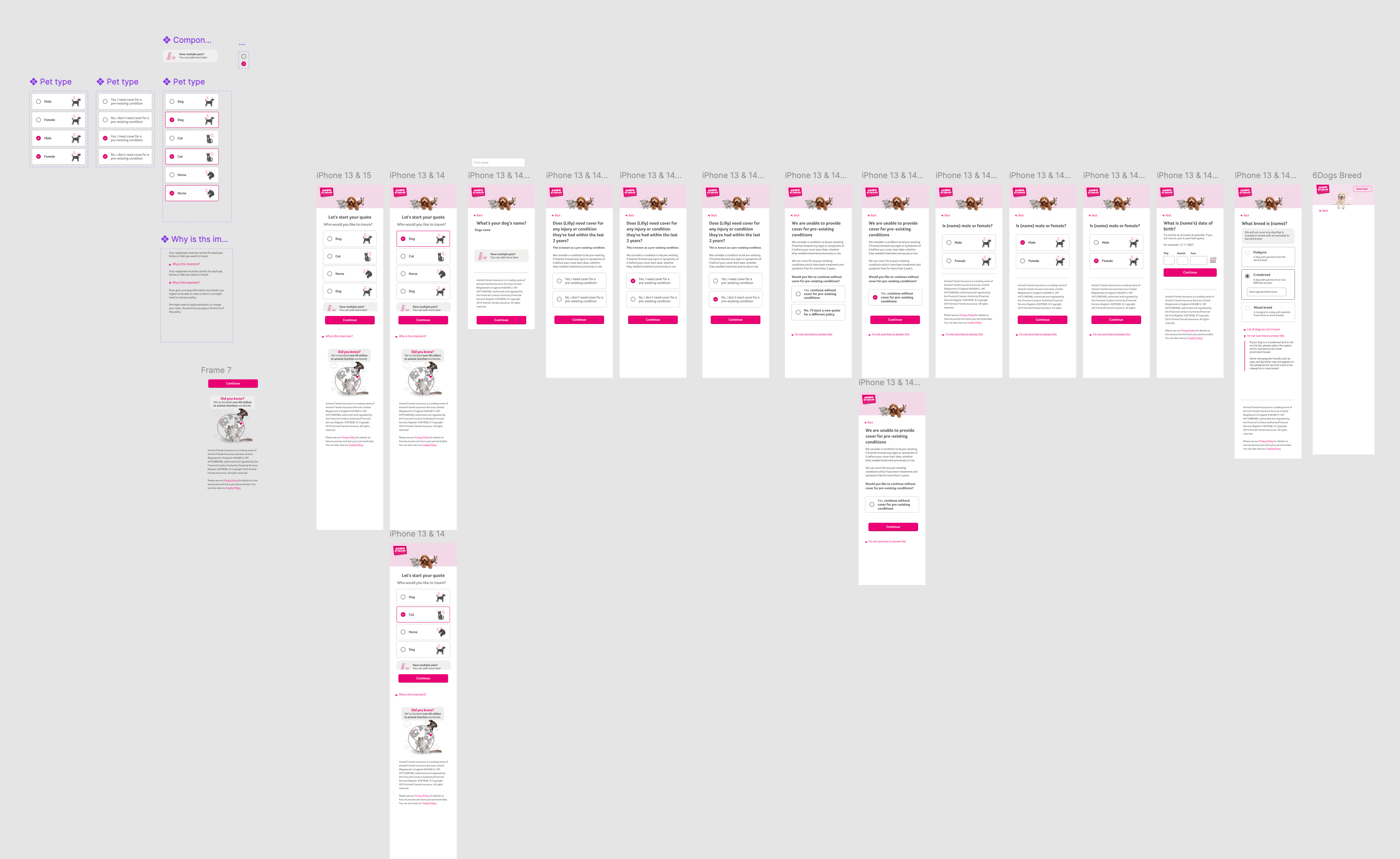
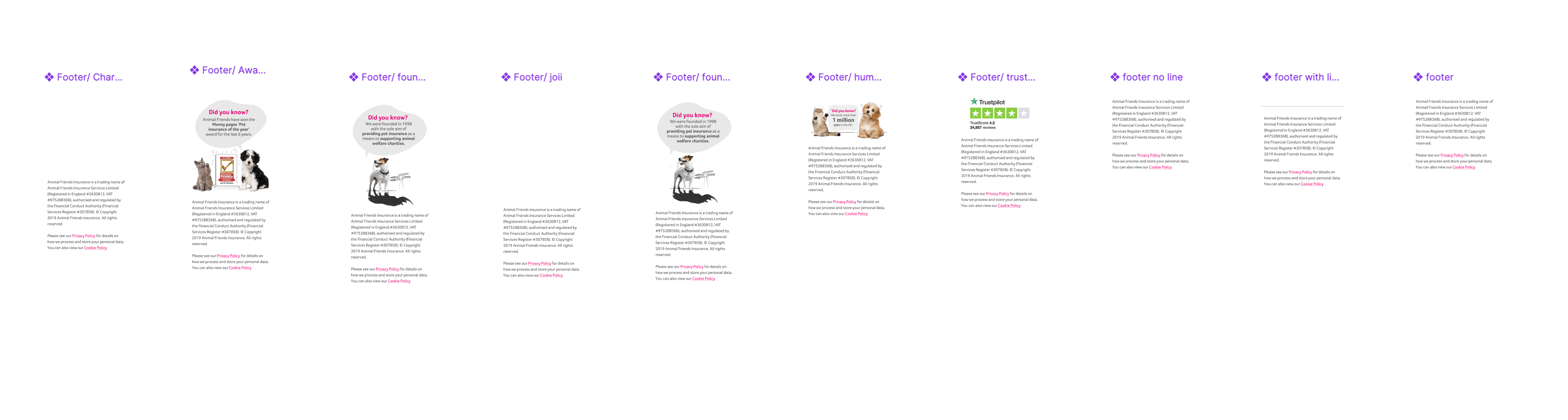
Reusable components
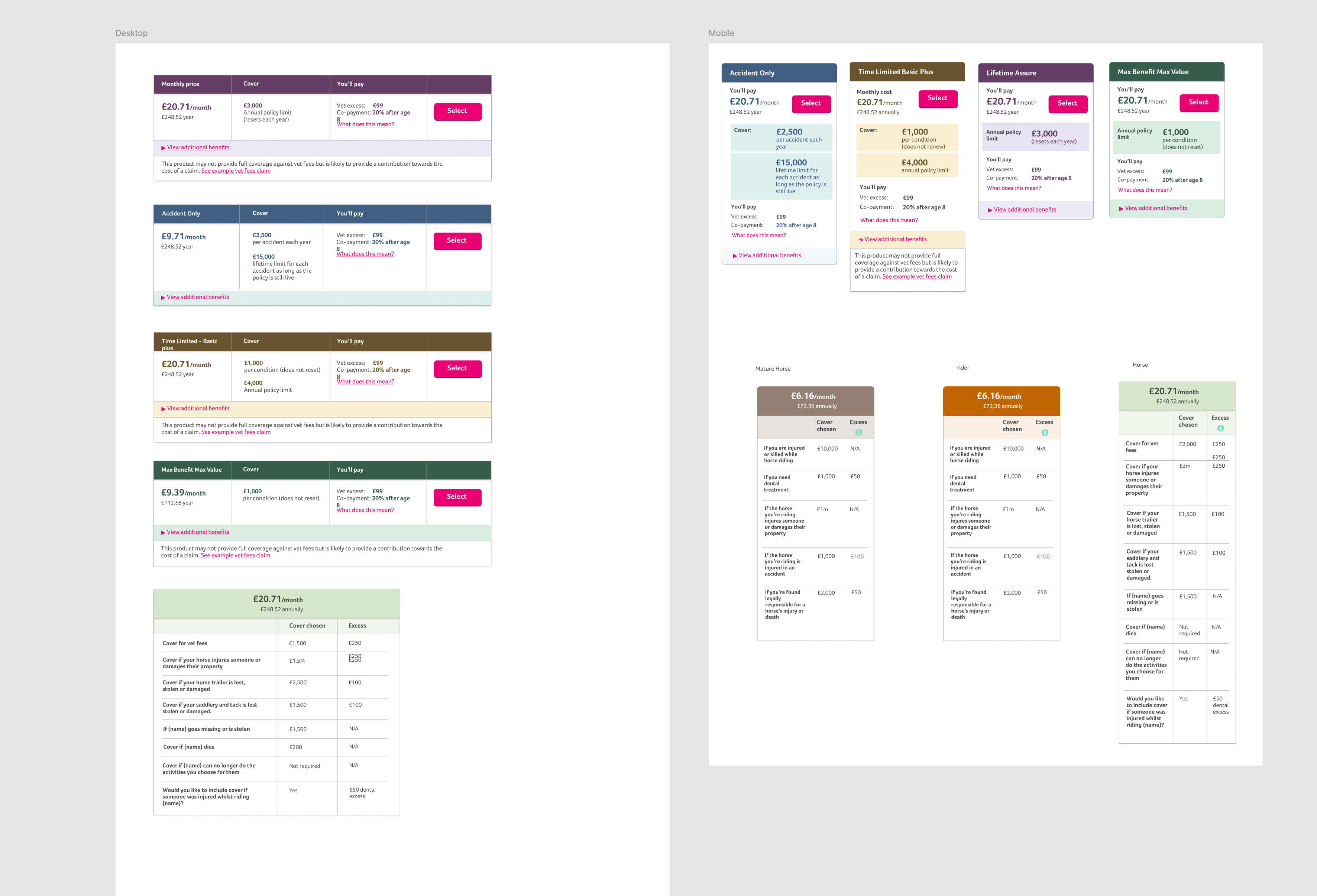
A library of reusable UI elements such as buttons, forms, and cards. These components were built according to our brand guidelines, ensuring consistency across all products.
Documentation
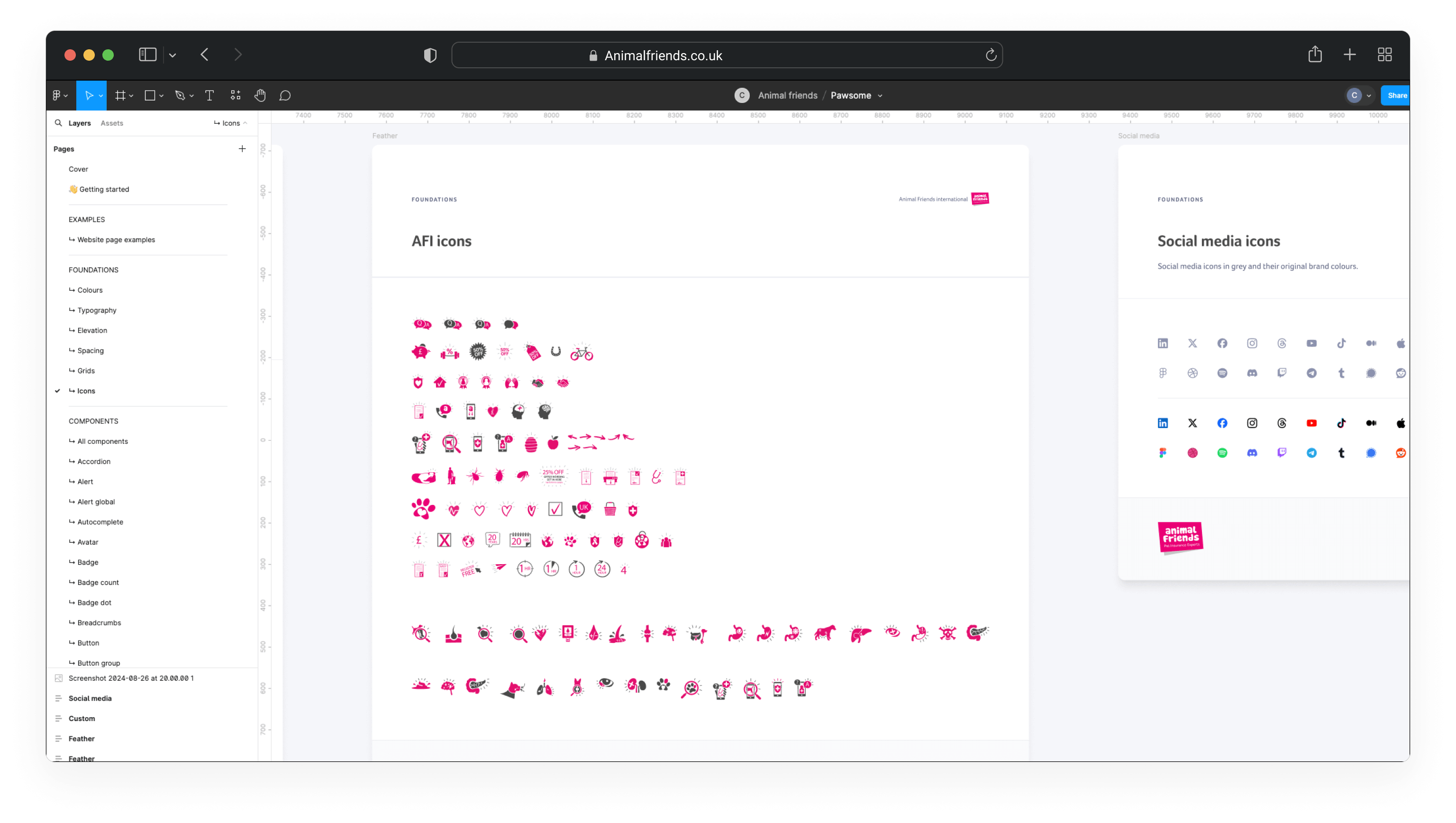
Detailed guidelines on how to use the design system effectively. This included tutorials and best practices for both designers and non-designers, allowing for greater autonomy and faster turnaround times on design-related tasks.
Version Control and Collaboration
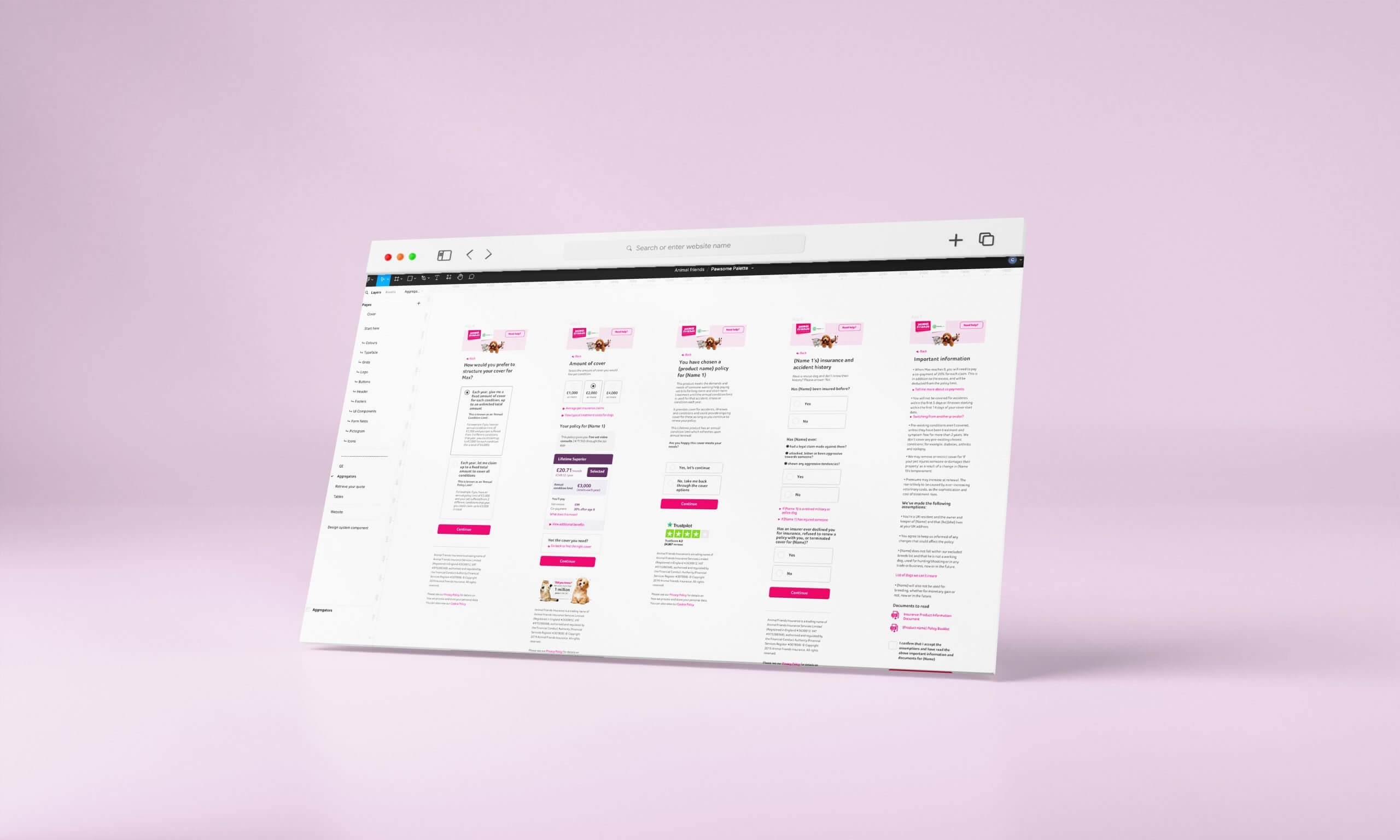
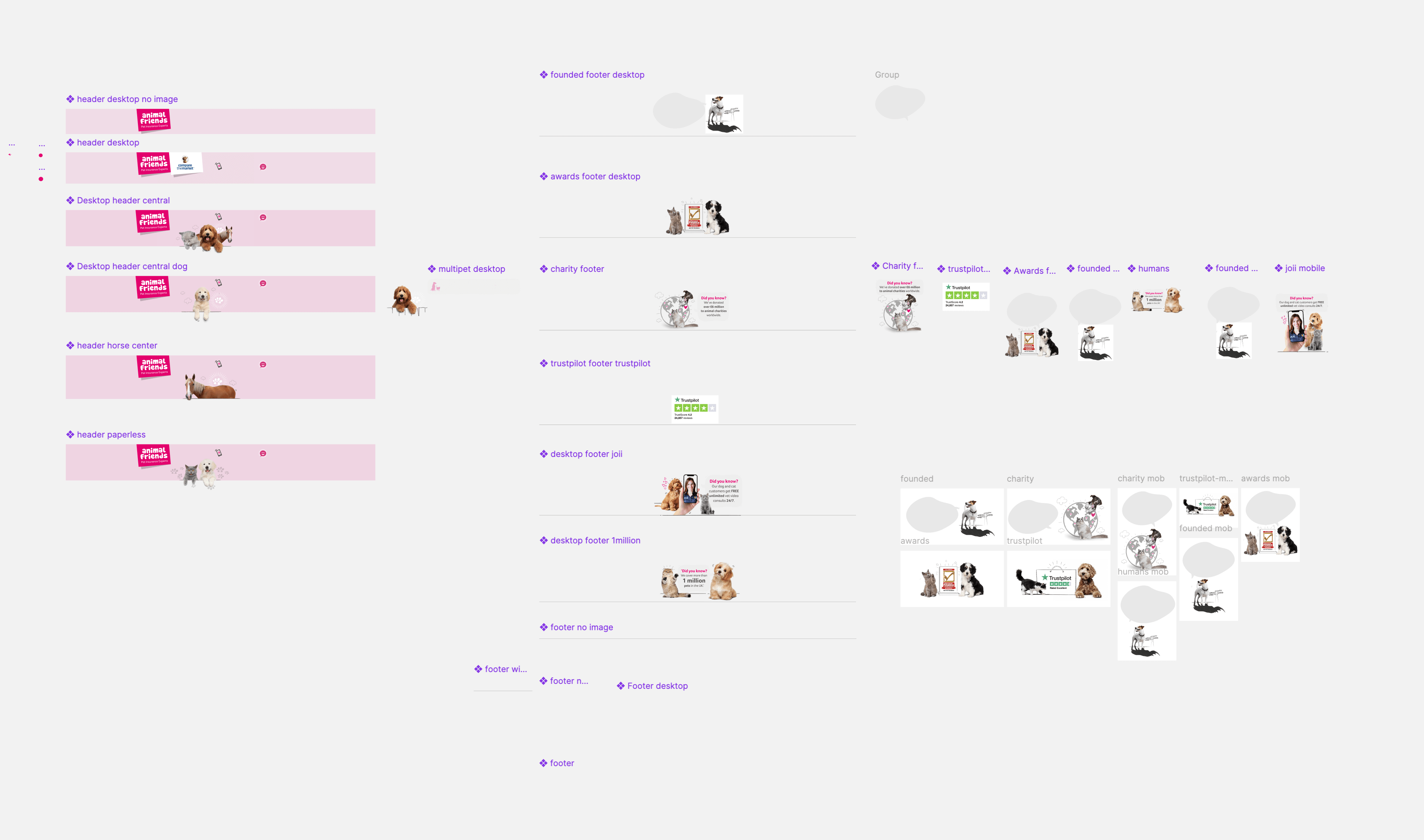
By centralising our design work in Figma, we ensured that all team members were always working on the latest versions of files. Figma’s cloud-based nature also allowed for real-time collaboration, with all changes automatically saved and versioned. This eliminated the risk of accidental deletions or working on outdated files.
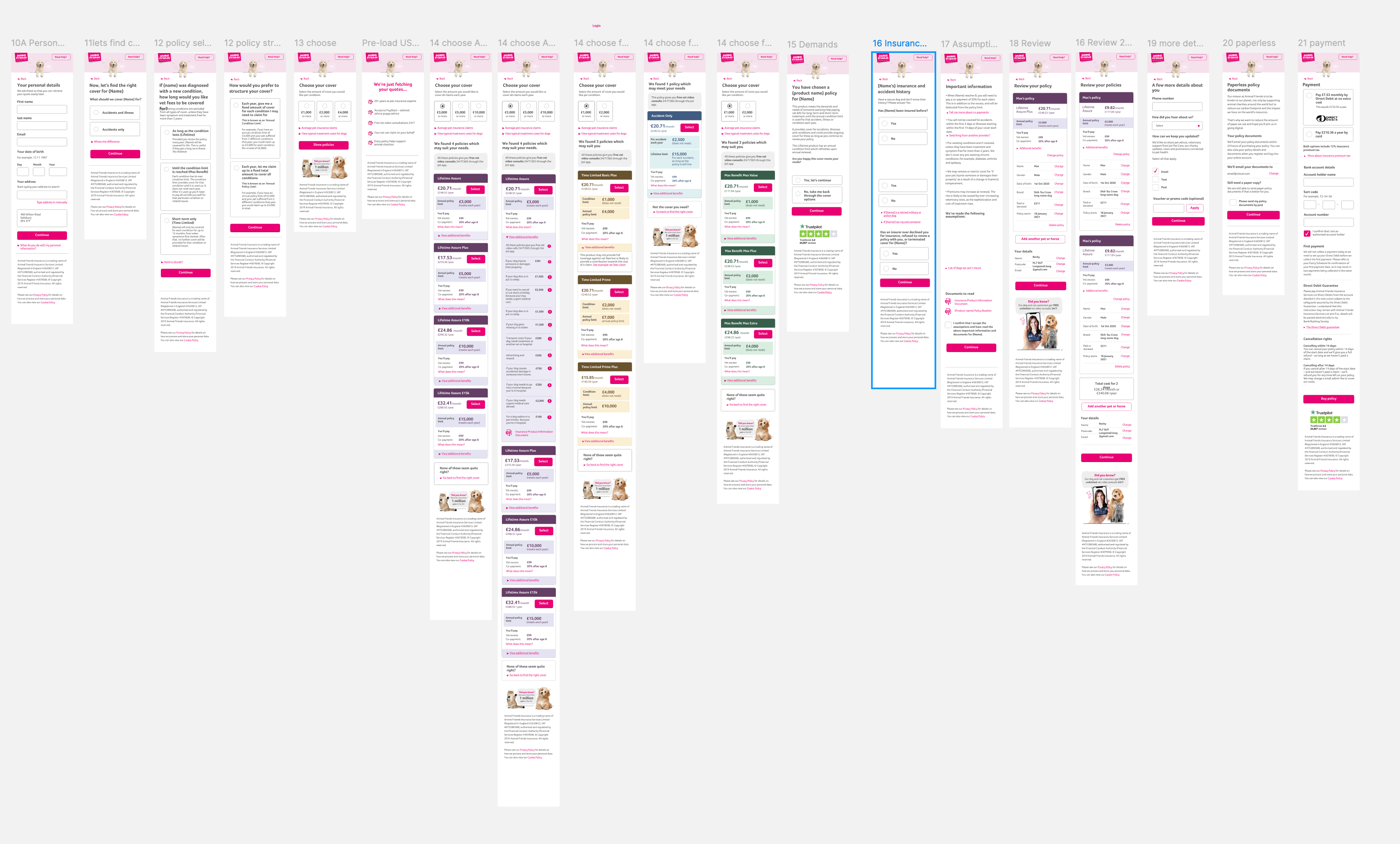
Compliance Integration
The design system included features that allowed the compliance team to leave notes and feedback directly within Figma. This made it easier to track changes, ensure compliance from the outset, and avoid repetitive reviews.
Encouraging Adoption
To ensure widespread adoption of the design system, we organised workshops and training sessions for the design team and other departments. I also worked closely with the tech team to integrate the design system into our development workflows, ensuring that developers could easily access and implement the latest design components.
Implementing the design system brought several key benefits.
Increased Efficiency
By reducing the need for repeated compliance reviews and streamlining the design process, the team could focus more on creating high-quality designs rather than managing files and coordinating with other departments.
Consistent User Experience
The design system improved visibility across departments, allowing for earlier input from tech and compliance teams. This led to faster decision-making and a quicker time to market.
Version Control Issues:
With files stored locally and shared through various channels, version control became a significant challenge. Designers were often working on outdated versions of files, leading to errors, duplicated work, and confusion.
Scalability
As the company continued to grow, the design system provided a scalable framework that could easily accommodate new features, products, and teams. This ensured that our design and development processes remained efficient and effective, even as the demands on the team increased.
Limited Visibility:
Other departments, including marketing, tech, and compliance, had limited access to design files, leading to delays and miscommunication. Compliance, in particular, required frequent sign-offs on every customer-facing artefact to ensure they met regulatory standards. The lack of visibility increased the workload on the design team, as they had to repeatedly coordinate with compliance to confirm that designs met the required standards.